Setting Up Two-Factor Authentication for Crypto Wallets: A Comprehensive Guide
Contents
In the fast-paced world of cryptocurrency, securing your digital assets is paramount. With increasing cyber threats, one of the most effective methods to enhance security is through two-factor authentication (2FA) for crypto wallets. This guide will walk you through the essential steps and considerations for 2FA setup, covering both hardware and software wallets, and touching on various wallet types like multisig, custodial, and non-custodial wallets. By the end of this guide, you'll not only understand how to implement 2FA but also appreciate its role in safeguarding your cryptocurrencies from unauthorized access.
Understanding 2FA and Its Importance for Crypto Security
Two-factor authentication (2FA) adds an extra layer of security, requiring not just a password but also a secondary verification method. This secondary factor could be a code sent to your mobile device or generated by an app. In the context of crypto wallets, 2FA is crucial as it helps protect against unauthorized access, especially with the increasing threats of phishing and SIM swap attacks. Consider a real-world example: in 2019, a crypto trader avoided a $10,000 theft because his wallet was protected by 2FA, which the hacker couldn't bypass.
Choosing Between Hardware and Software Wallets
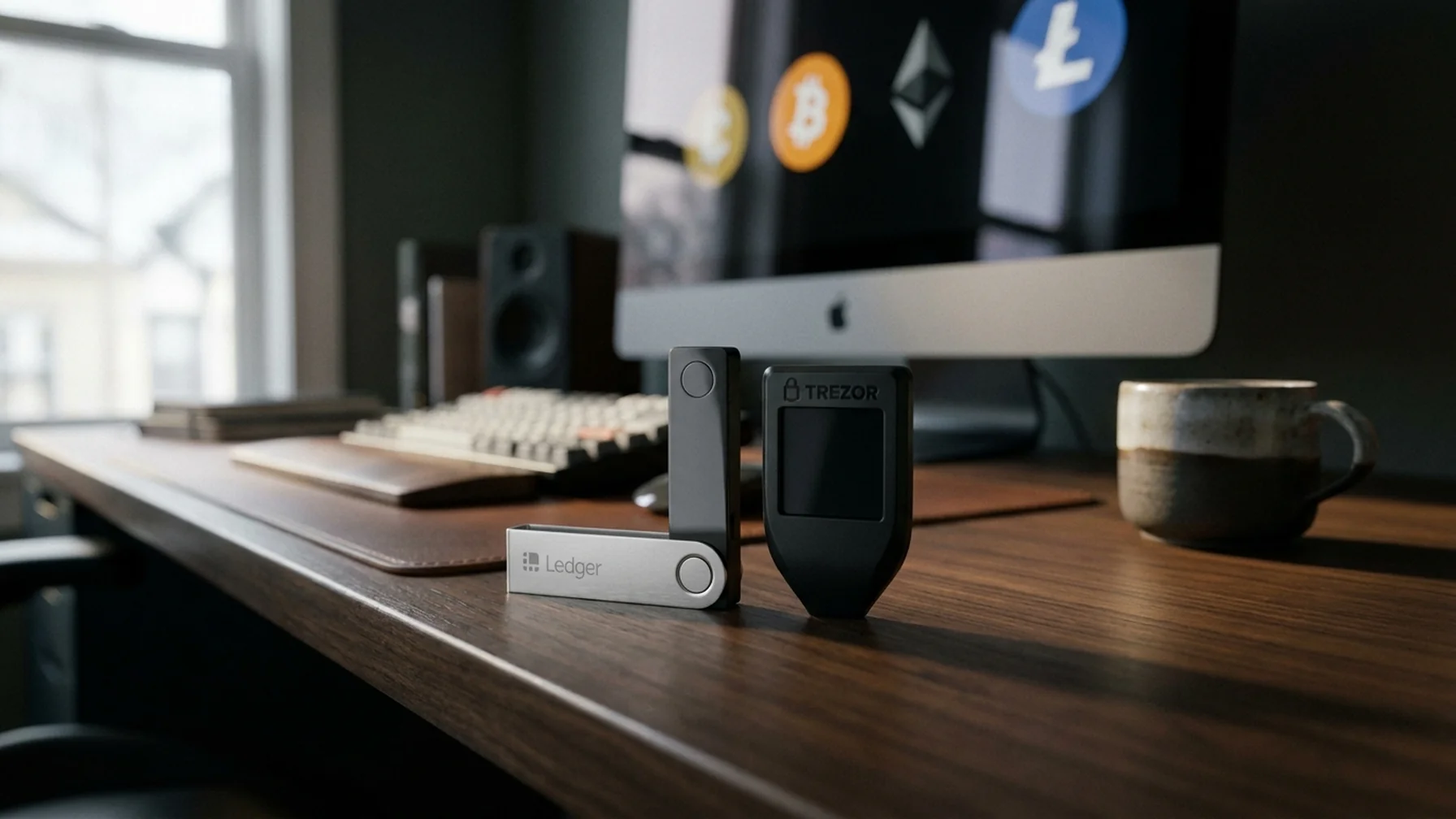
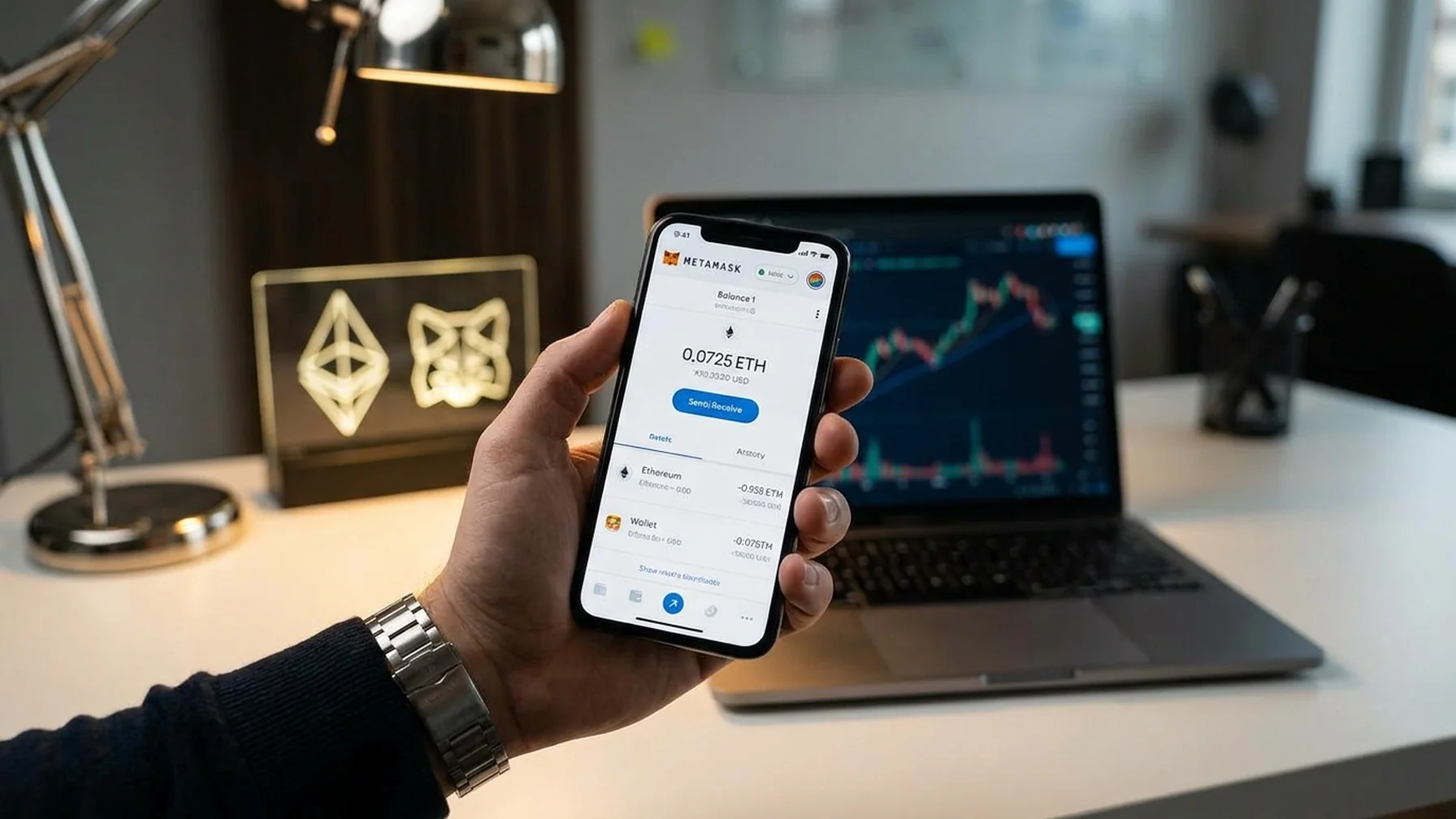
When setting up 2FA, it's crucial to understand the differences between hardware and software wallets. Hardware wallets, such as Ledger or Trezor, store your private keys offline, making them less susceptible to online attacks. Software wallets, including MetaMask, Trust Wallet, and Phantom Wallet, are more convenient for daily transactions but require robust security measures. For instance, a user of Ledger's hardware wallet avoided a phishing scam that targeted his software wallet by relying on the hardware wallet's offline storage capabilities.
Setting Up 2FA on Different Wallet Types
Setting up 2FA varies depending on the wallet type. Here's how you can enable 2FA for some popular wallets:
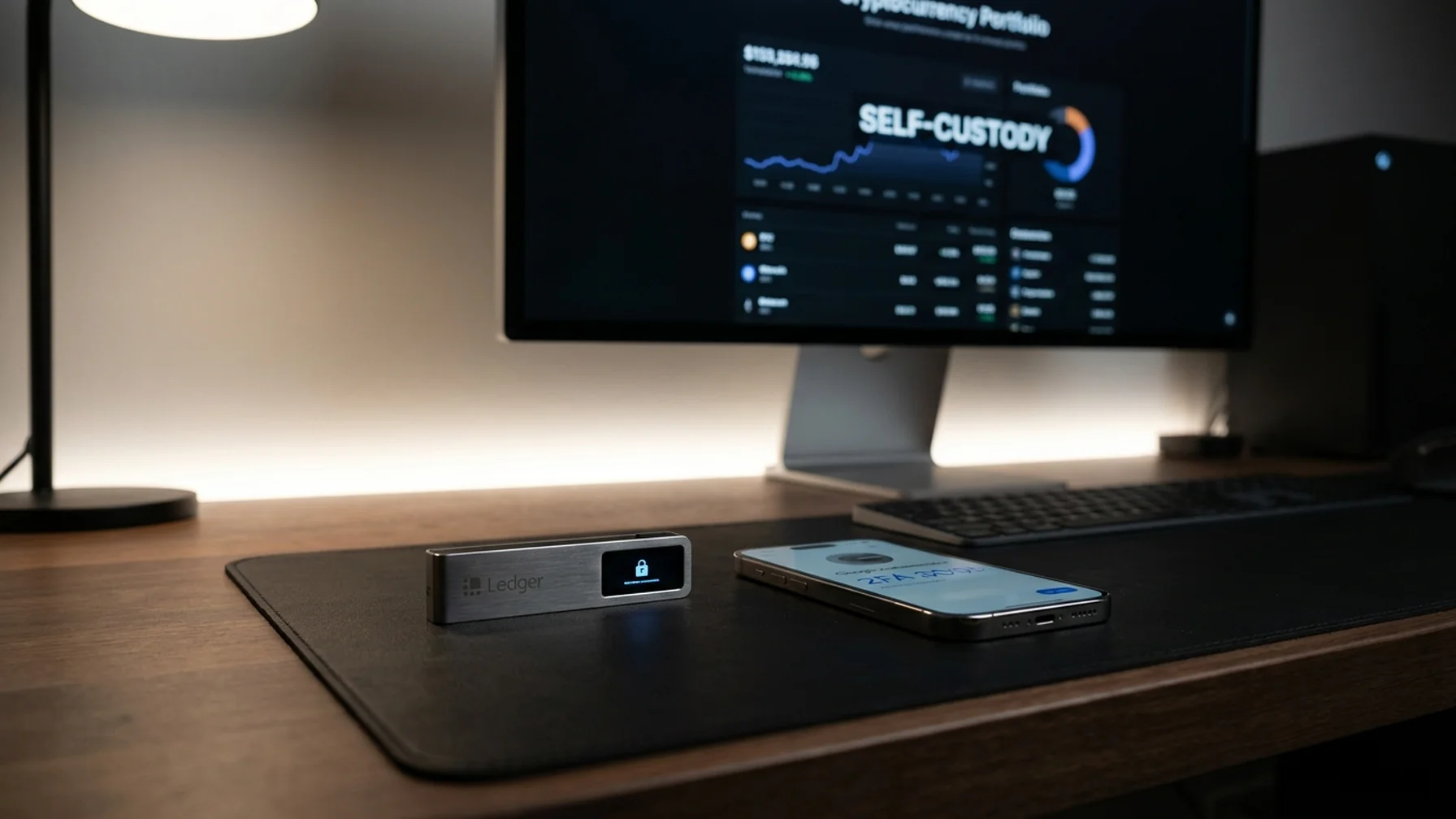
- Hardware Wallets (Ledger, Trezor): Use companion apps to enable 2FA, often through connecting a mobile device. For example, Trezor users can use Trezor Suite to integrate 2FA seamlessly.
- Software Wallets (MetaMask, Trust Wallet): Access the security settings in the app to enable Google Authenticator or similar apps for 2FA. A user shared that enabling 2FA on Trust Wallet prevented unauthorized access during a phishing attempt.
- Smart Contract Wallets: Some wallets offer integrated 2FA options, ensuring transactions require additional confirmations. For instance, Argent Wallet offers built-in 2FA to approve transactions.
For each type, make sure to follow the wallet’s specific instructions to ensure 2FA is properly set up.
Backup and Recovery: Ensuring Access to Your Funds
Setting up a secure backup is as crucial as enabling 2FA. Use a seed phrase backup for wallet recovery, and consider a multisig wallet for added security. Always store your seed phrase offline, perhaps using a paper wallet or brain wallet approach. A user successfully recovered access to his wallet after a device loss by having his seed phrase securely stored offline. For HD wallets, ensure that derivation paths are correctly noted to avoid access issues.
Security Tips: Avoiding Phishing and Other Threats
While 2FA significantly boosts security, it's essential to stay vigilant against threats like phishing. Here are some tips:
- Always verify wallet addresses before sending funds. A trader avoided a scam by double-checking the wallet address during a transaction.
- Use a password manager to store complex passwords securely. This practice helped a user keep track of multiple wallet passwords without risking exposure.
- Consider using a VPN for crypto transactions to mask your IP address, which was a key factor in protecting a user's identity during a high-value transaction.
- Understand basic operational security (OpSec) to protect your digital presence.
These practices, combined with 2FA, create a robust defense against potential security breaches.
Protecting Against SIM Swaps: A Growing Threat
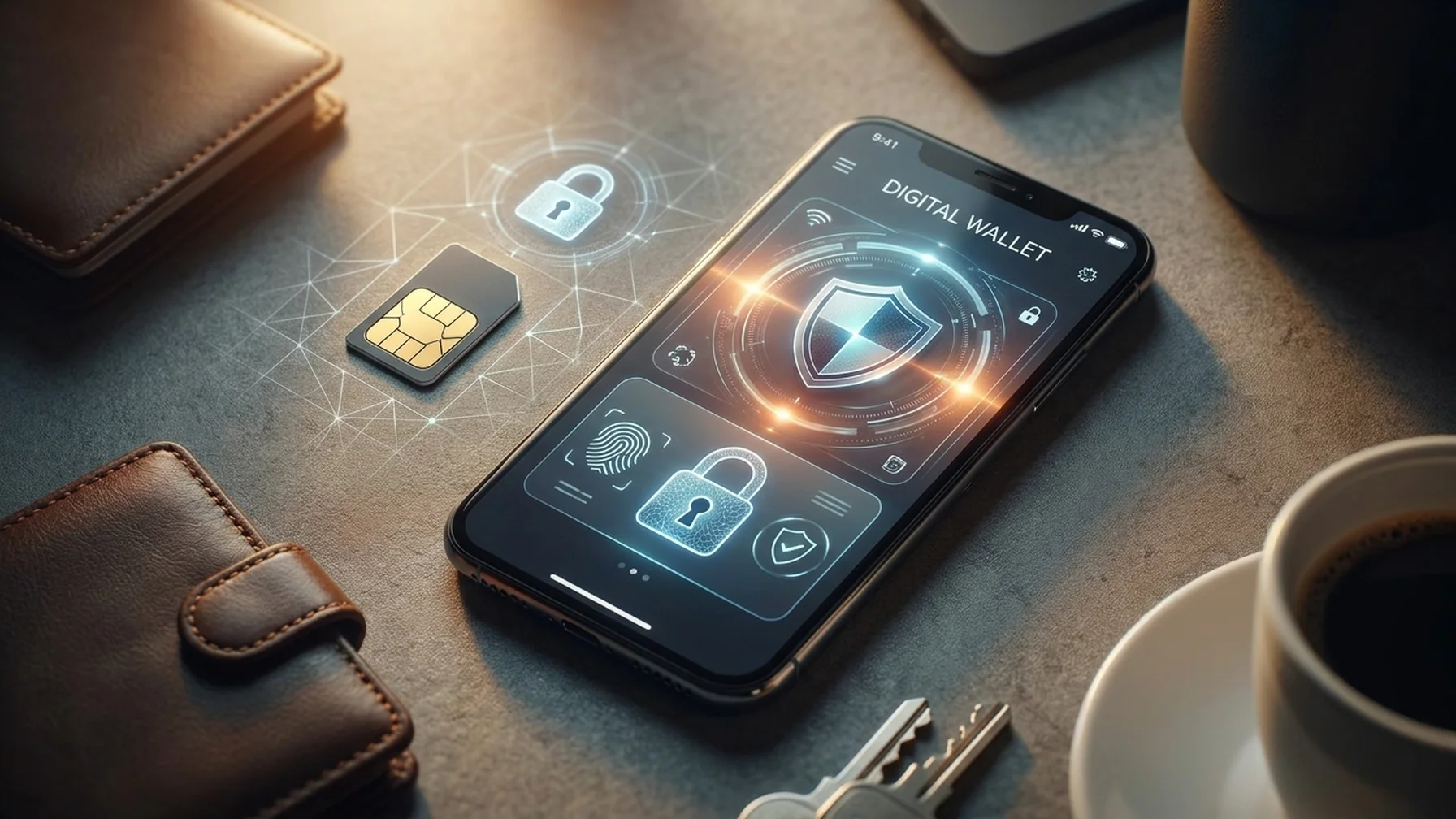
SIM swap attacks pose a significant risk to crypto users, potentially allowing attackers to intercept 2FA codes. To mitigate this risk, contact your mobile provider to set up additional security measures, such as requiring a PIN for SIM card changes. A crypto enthusiast managed to thwart a SIM swap attempt by proactively setting a PIN with his carrier, which stopped the attacker from accessing his crypto accounts.
Comparing Wallets: Ledger vs. Trezor
When it comes to hardware wallets, Ledger and Trezor are top choices. Both offer strong 2FA options and cold storage capabilities. Ledger is known for its user-friendly interface, while Trezor provides open-source transparency. Evaluate your needs to determine which aligns best with your security and usability preferences. Here's a comparison to help you decide:
| Feature | Ledger | Trezor |
|---|---|---|
| Price | Moderate | Moderate to High |
| Interface | User-friendly | Open-source |
| Security Features | Integrated 2FA | Customizable security protocols |
| Community Support | Extensive | Strong |
| Recovery Options | Seed phrase | Seed phrase and passphrase |
Choose the wallet that best suits your security needs and personal preferences.
Enhancing Your Crypto Experience
Beyond security, integrating 2FA into your crypto wallet setup can enhance your overall experience. Whether you're paying with a crypto wallet or engaging in transactions using a hot wallet, having 2FA ensures peace of mind. A user shared that enabling 2FA on Rainbow Wallet allowed him to make quick transactions without fear of unauthorized access. As you engage with various wallets like Exodus Wallet, remember that a secure wallet checkout flow is crucial for safeguarding your assets.
In conclusion, setting up 2FA for your crypto wallets is a vital step in protecting your digital assets. By understanding the nuances of different wallet types, implementing robust backup measures, and staying vigilant against threats, you can navigate the crypto space with confidence and security.